Code Generation
Updated Sep 4,2025
Updated Sep 4,2025
Use this function to generate your own barcodes and QR codes.
- Navigate to left bar, click Applications and select Code generation.
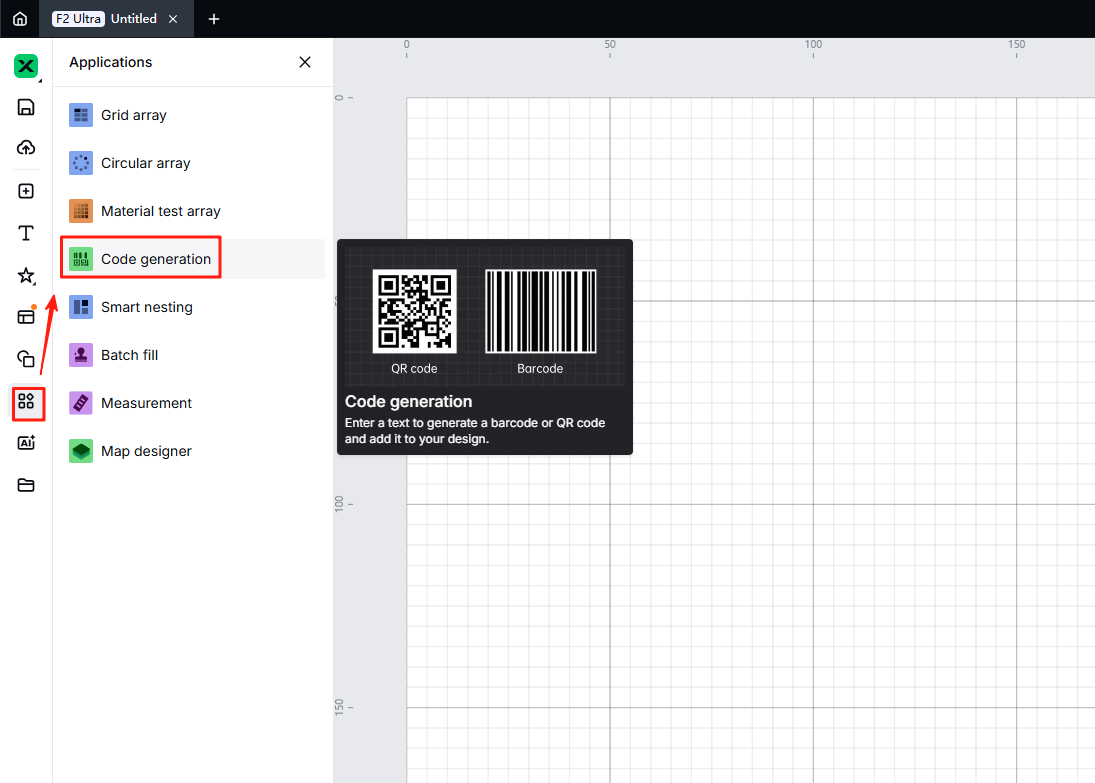
- Click the code type you want to generate and enter the content in the content box, which requires different input formats.
- QR code: supporting Chinese and English characters, digits, punctuations, and special symbols
- Barcode: supporting English characters and digits
- Advanced settings: allow you to adjust QR code fault tolerance, preset to 15%.

- Click "Save" to generate your code.
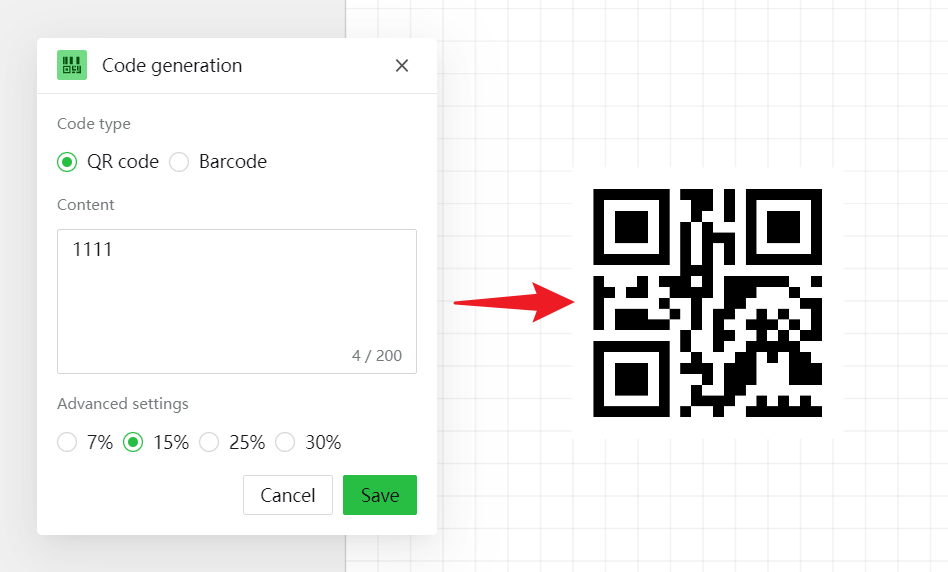
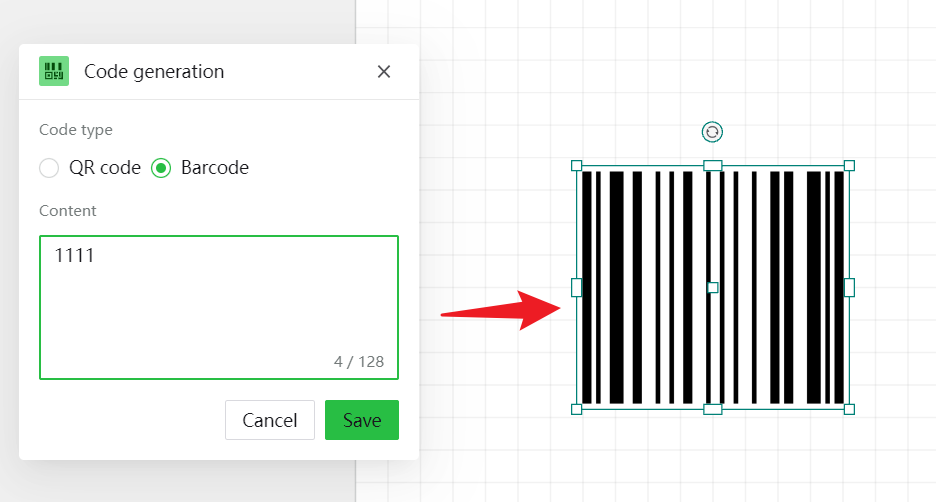
Preview
Was this page helpful?
7 out of 7 found this helpful
Help Ticket
Use this help ticket to submit your issue. We will respond within 1 business day
Submit a Ticket