Edit Bitmap
Updated Sep 4,2025
Updated Sep 4,2025
Edit Bitmap
Click Edit in the top toolbar to enter bitmap editing. Multiple tools are available.

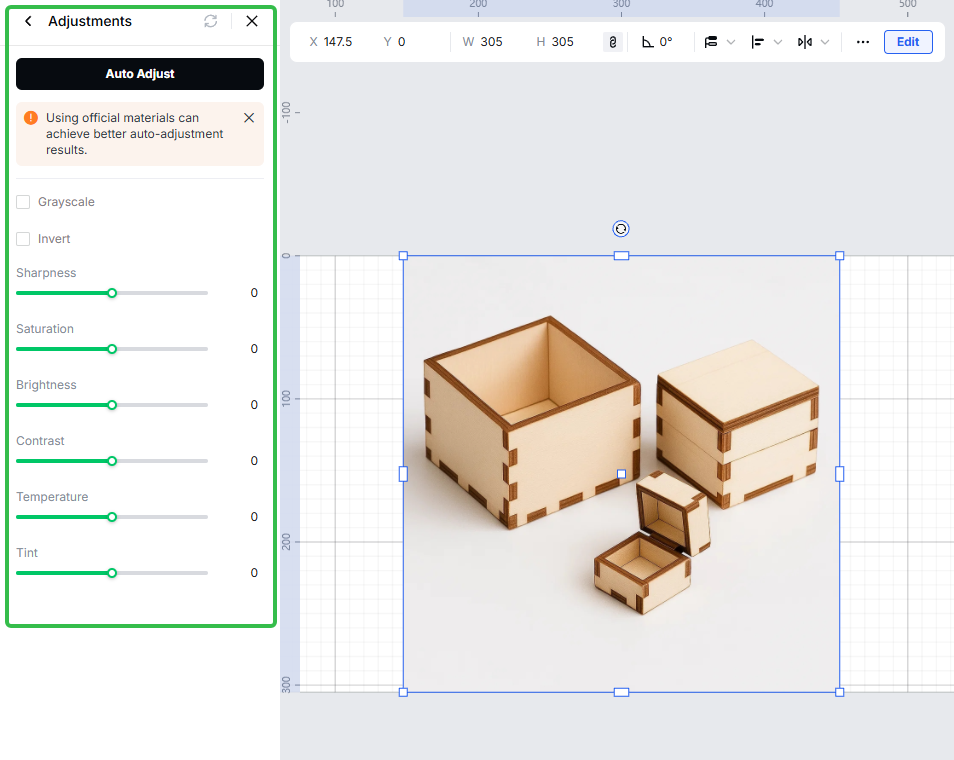
Adjustments
Quickly fine-tune core image parameters—brightness, contrast, saturation, color temperature, and sharpness/clarity—to make the image consistent with your design.
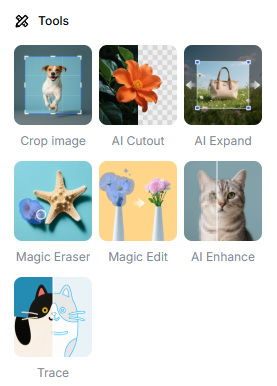
Tools
A set of common editing and AI utilities for targeted fixes. Examples:
- Crop image
- AI Cutout (background/subject isolation)
- AI Expand (extends the original image beyond its borders; generates coherent outpainted content)
- Magic Eraser (remove objects/blemishes)
- Magic Edit (prompted local edits/additions)
- AI Enhance (sharpen, denoise, improve detail)
- Trace (generate line art/vector)
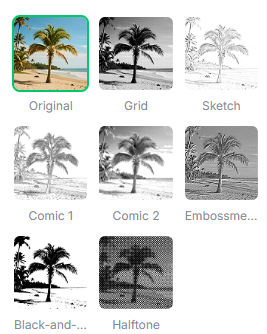
Filter
Apply one-click color/look presets (e.g., Original, Sketch, Black & White). Non-destructive; ideal for fast style unification.
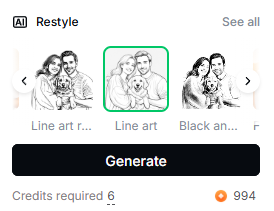
Restyle
Use AI to re-render the entire image in a selected style (e.g., line art, black & white) while preserving the main subject and composition.
Select a style → click Generate. Credits required shows the cost; See all reveals more styles.
Preview
Was this page helpful?
4 out of 5 found this helpful
Help Ticket
Use this help ticket to submit your issue. We will respond within 1 business day
Submit a Ticket